Google Workspace
This guide lets the users of your Google Workspace sign in with their Google account.
You need:
- A Google Workspace and a Google Cloud project you can manage (any project in your Workspace's Cloud organization).
- The callback URL of your solidtime provider. Create the provider in solidtime first with the key
google(see Adding an identity provider); the callback URL is thenhttps://time.your-company.com/sso/google/callback.
Google is a public issuer: anyone with a Google account can sign in at Google, including personal accounts registered with your company's email address. solidtime therefore requires the hd (hosted domain) claim rule described in step 3 before it adds users to your organization. Without the rule, email linking only links Gmail addresses and Workspace accounts whose email is on their own domain, since Google controls those mailboxes.
1. Configure the consent screen
In the Google Cloud Console, select your project and open Google Auth Platform (formerly APIs & Services → OAuth consent screen):
-
Branding: an app name such as
solidtime, and a support email.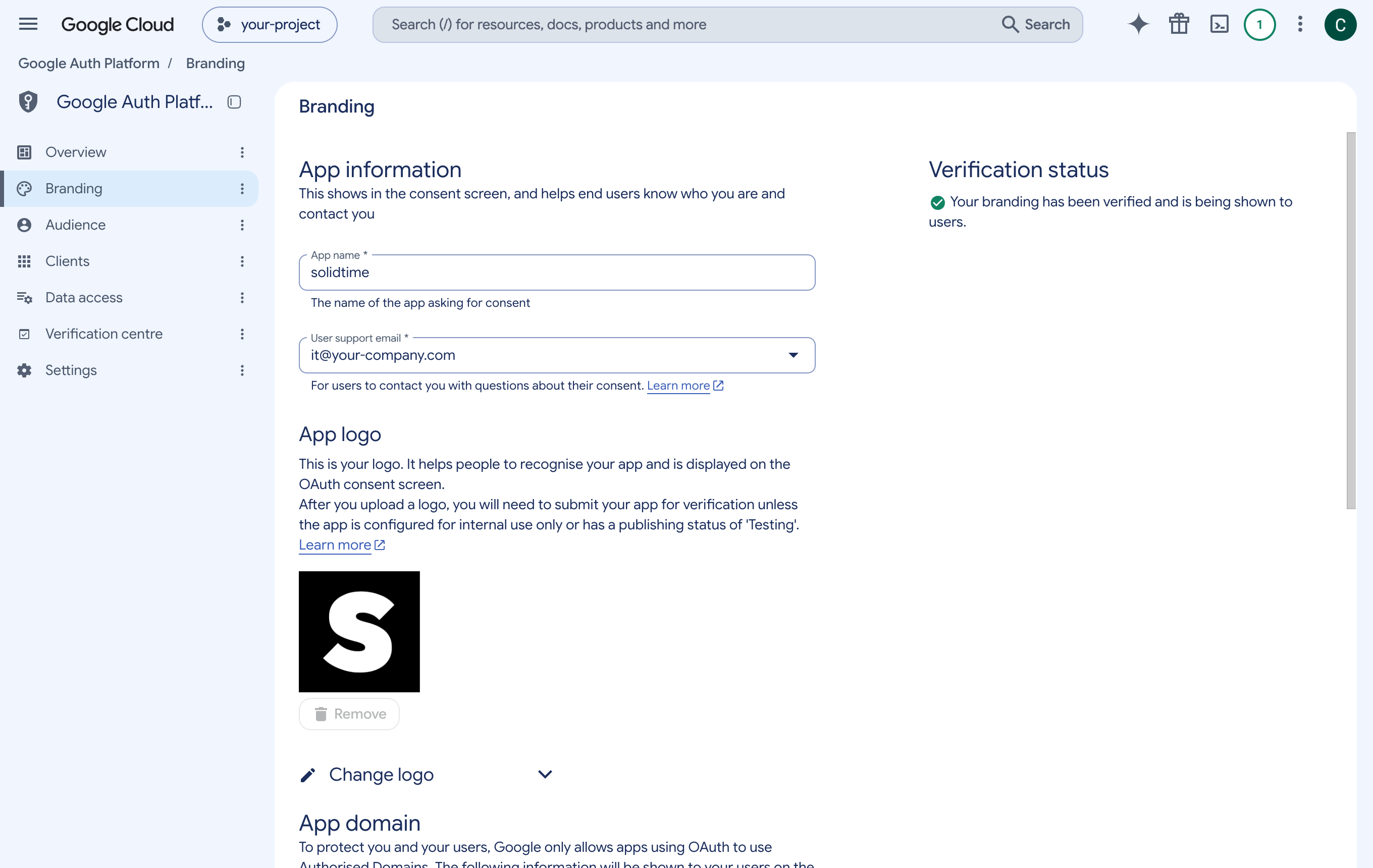
-
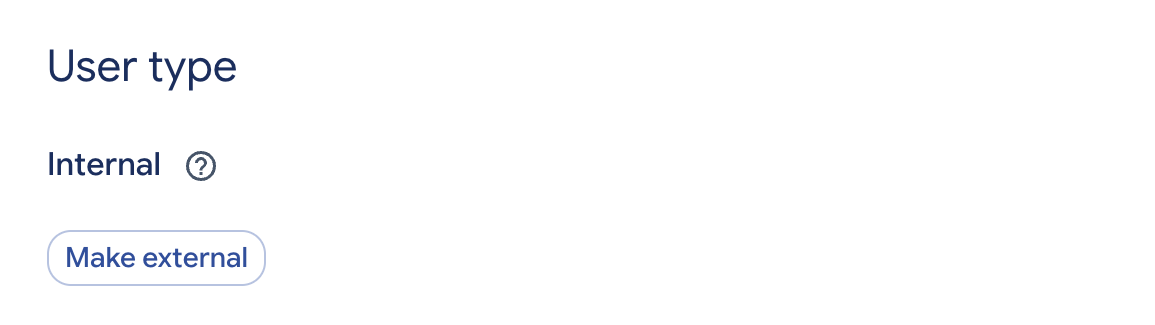
Audience: Internal. Only users of your Google Workspace can then sign in to the app, which is an additional, Google-side restriction.
2. Create the OAuth client
Go to Clients → Create client (formerly Credentials → Create credentials → OAuth client ID):
- Application type: Web application
- Name:
solidtime - Authorized redirect URIs: the Callback URL of your solidtime provider, for example
https://time.your-company.com/sso/google/callback
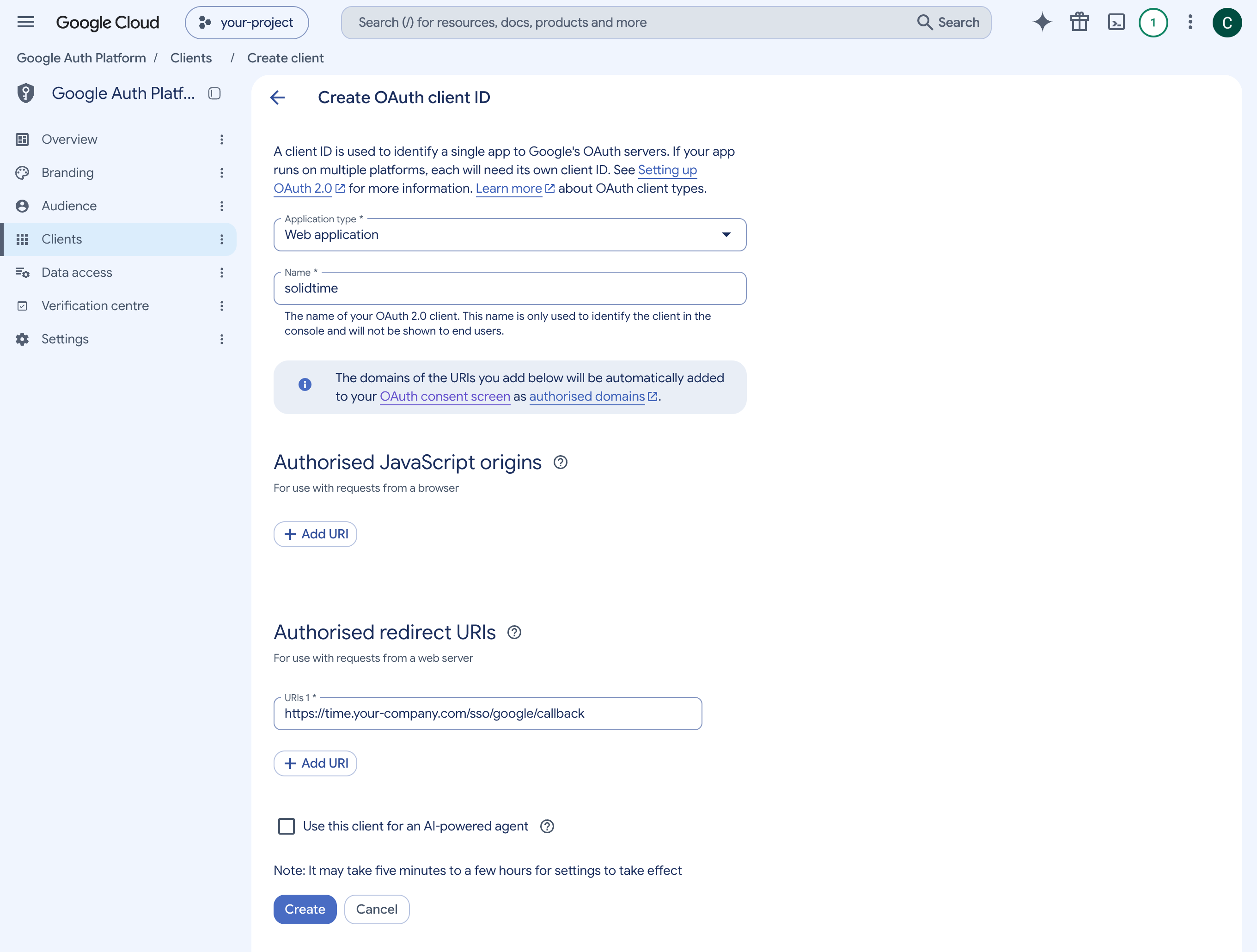
Click Create and copy the Client ID and Client secret.
3. Configure the provider in solidtime
Edit the provider in solidtime and fill in Credentials and endpoints:
| Field | Value |
|---|---|
| Client ID | the client ID from step 2 |
| Client secret | the client secret from step 2 |
| Base URL (issuer) | https://accounts.google.com, then click Discover endpoints |
Under Behavior:
- Required claims: claim
hd, value your Workspace's primary domain, for exampleyour-company.com. For several domains, add one value per domain. Always set it: without it, any Google account can sign in, and solidtime refuses to add users to an organization. - Allowed email domains: the same domain(s).
- Auto provision and Organization as you need them (see New accounts).
Save, then test and activate the provider as described in Test and activate.
Google specifics
hdis the Workspace's primary domain for all its users, also for users whose email address is on a secondary domain. solidtime additionally requires the email's domain to equalhd, so users on secondary or alias domains are refused. Use their primary-domain address, or set up one Google provider per domain.- Several Google accounts in one browser: Google shows its account picker, and users pick their work account. The
hdrule refuses any other account, even one with an address on your domain. - Personal Google accounts have no
hdclaim and are always refused by thehdrule, even if their address is on your domain. - Groups: Google doesn't put group memberships into tokens. Control access with the Workspace domain, or with the consent screen's Internal audience.