Single Sign-On (SSO)
solidtime can sign users in through your company's identity provider (IdP) using OpenID Connect (OIDC). Your users click a button on the solidtime login page, sign in at your IdP as they do for every other company app, and come back signed in to solidtime.
SSO is part of On-Premise Business.
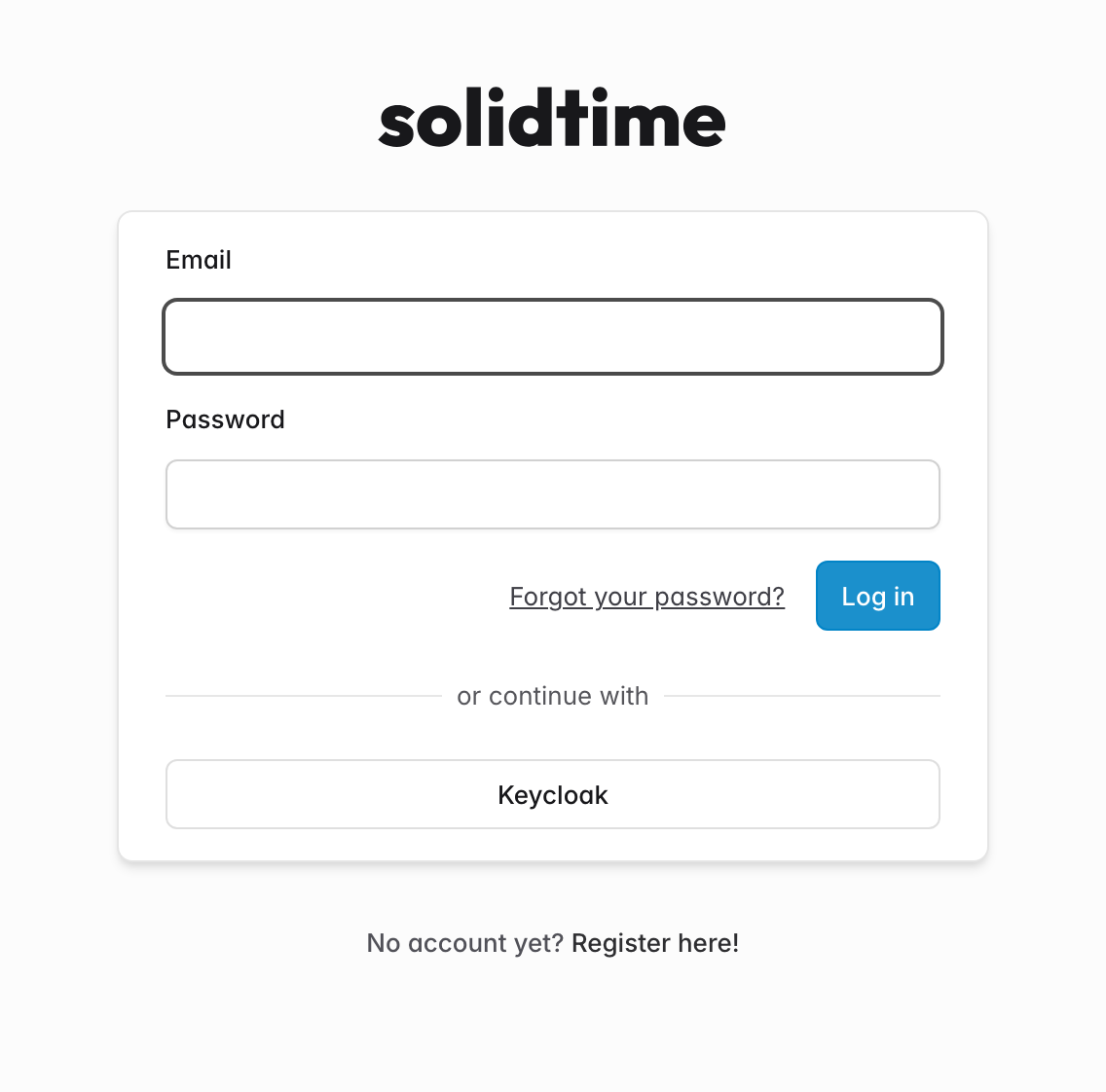
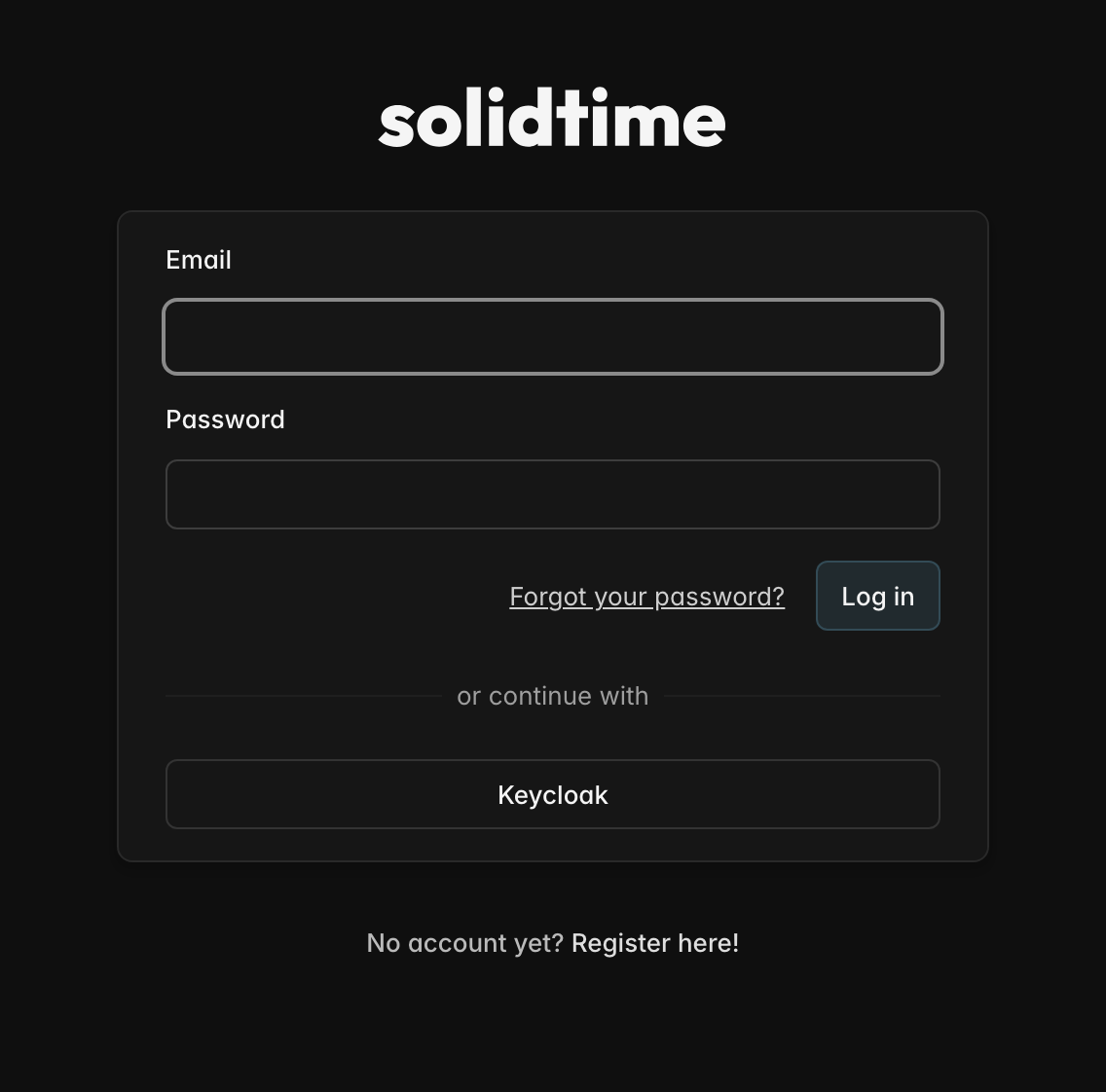
Supported identity providers
Any identity provider that supports the OpenID Connect authorization code flow works. These have a step-by-step guide:
- Keycloak
- Microsoft Entra ID (formerly Azure AD)
- Okta
- Google Workspace
- Other OIDC providers (Authentik, Zitadel, Authelia, Kanidm, Ory, PingFederate, JumpCloud, OneLogin, ...)
Before you start
The IdP sends users back to solidtime, so solidtime has to know its own public URL:
APP_URLmust be the URL your users open, for examplehttps://time.your-company.com.- If solidtime runs behind a reverse proxy that terminates HTTPS, set
APP_FORCE_HTTPS="true"andTRUSTED_PROXIESas described in the configuration. Otherwise solidtime sends anhttp://callback URL and the IdP rejects it. - solidtime has to reach your IdP over HTTPS from the server (for the token exchange), and your users' browsers have to reach it too. IdPs on an internal network are fine.
- Make sure at least one super admin is set in
SUPER_ADMINSand that this account has a password. Super admins can always sign in with their password, even when SSO is enforced. This is your way back in if the IdP is down or misconfigured.
Where to go next
| You want to ... | Read |
|---|---|
| Connect your first identity provider | Adding an identity provider, then the guide for your IdP under Provider guides |
| Decide who gets an account and which organization they join | Behavior |
| Manage linked users, email changes and offboarding | Managing users |
| Limit sign-ins to your domains or IdP groups | Allowed email domains and required claims |
| Turn off password login | Enforcing SSO |